My Store
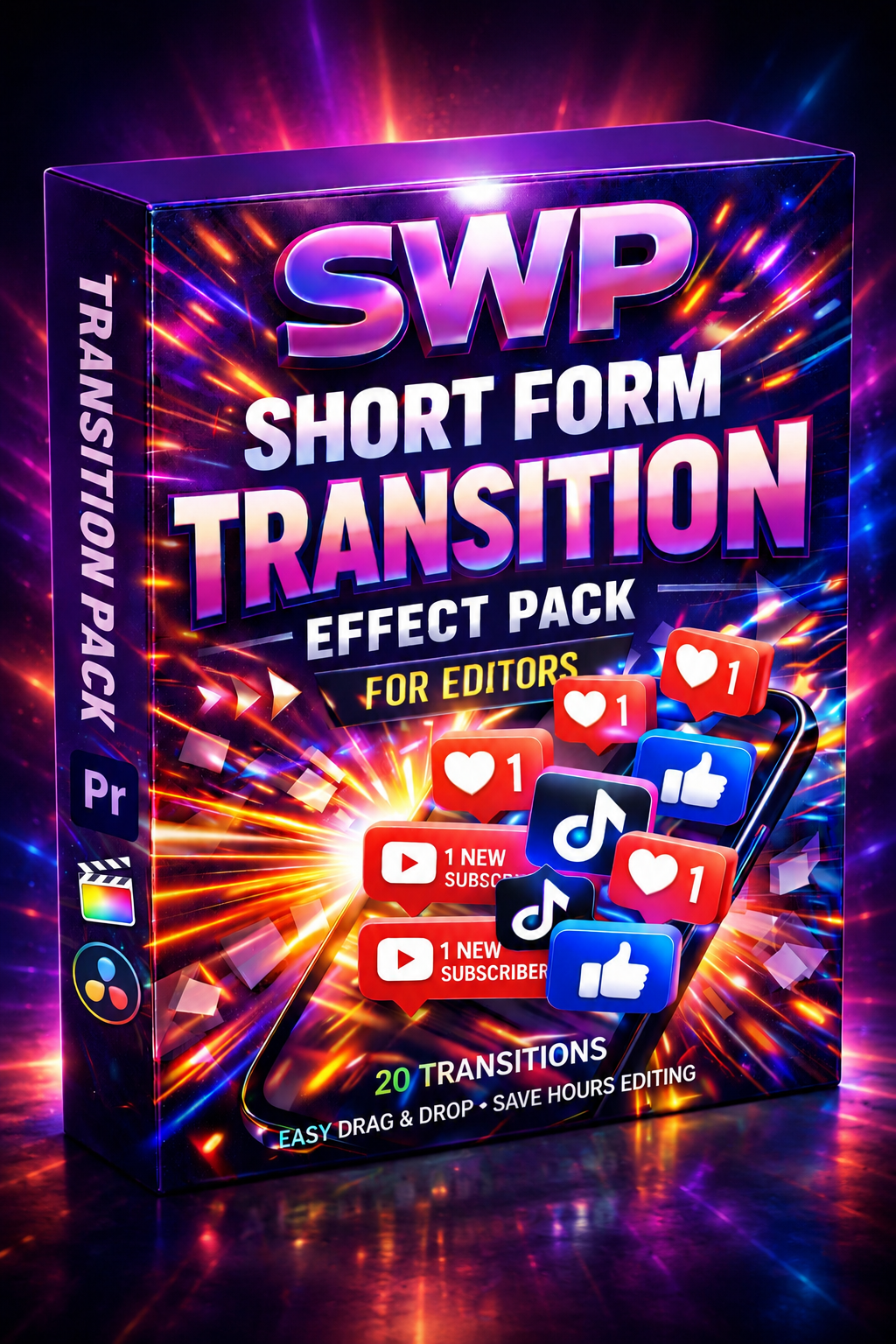
SWP Short form TRANSITION effect pack For Editors/Creators
SWP Short form TRANSITION effect pack For Editors/Creators
Couldn't load pickup availability
Don't let clunky, basic cuts kill the energy of your edits. A portfolio that looks like it was shot by five different people because the 'look' is all over the place will cost you clients.
WANT THE FULL KIT? Grab this pack + the Short Form Transitions in my "Complete Editor's Bundle" and save nearly 30%. ($15 off)
Cut your editing time in half and keep viewers glued to the screen.
Editing short-form content for TikTok, Instagram Reels, and YouTube Shorts is a grind. The algorithm demands constant uploads, and viewer attention spans are shorter than ever. You don’t have time to manually keyframe every zoom, whip, and shake.
The SWP Short Form Transition Pack is your new cheat code.
I handcrafted 20 studio-quality Premiere Pro transitions specifically designed to act as "pattern interrupts"—visual hooks that reset the viewer's attention and stop them from scrolling.
Whether you are a freelance video editor crushing deadlines or a content creator trying to post daily, this pack eliminates the stress of post-production.
🚀 Why This Pack Converts Views:
-
Stop the Scroll: Dynamic movements designed to maintain high audience retention.
-
Zero Stress Workflow: Stop fighting with keyframes. These are drag-and-drop assets.
-
Polished Aesthetic: Get that "high-budget" YouTuber look without the After Effects learning curve.
📦 What’s Inside (20 Effects):
You will receive a curated library of .prfpset (Premiere Pro Presets) files, including:
-
Seamless Zooms & Punches: Perfect for emphasizing punchlines.
-
Directional Whips & Slides: Keep the momentum moving between clips.
-
Distortion & Glitch Transits: Ideally suited for high-energy or tech content.
-
Smooth Shakes & Bumps: Add impact to your cuts without being distracting.
(Note: These are 100% native Premiere Pro effects. No dynamic linking to After Effects required.)
⚡ Engineered for Efficiency:
-
100% Premiere Pro Native: No heavy plugins or third-party software needed.
-
Non-Destructive: Apply effects to adjustment layers to keep your timeline clean.
-
Instant Download: Get the file immediately after purchase and start editing in minutes.
Perfect for:
-
TikTok & Reels Creators
-
User Generated Content (UGC) Creators
-
Freelance Video Editors
-
Podcast Clippers
- Music video Editors
💡 How to Use (3-Step Fast Workflow):
-
Import: Right-click your "Effects" panel in Premiere Pro and select "Import Presets."
-
Drag: Create an Adjustment Layer above your cut and drag your chosen transition onto it.
-
Done: The effect is applied instantly. No rendering massive files.
Don’t let editing burnout kill your creativity. Streamline your workflow, hit your deadlines with ease, and make creating fun again.
Instant Digital Download. Secure Checkout.
Share